The Center of GHGs Monitoring and Management (CMM) is the web-based platform developed by LIFE ClimaMED for the collection, mapping and monitoring of greenhouse gas emissions and Soil Organic Carbon stock changes from agricultural land. For a detailed walkthrough of the platform's features, see the CMM Interactive Guide.
The Multimedia Training Center provides a collection of short video tutorials to help users navigate the Center of GHGs Monitoring and Management (CMM) platform. All videos include English and Greek subtitles, with the option to add further language support in the future.
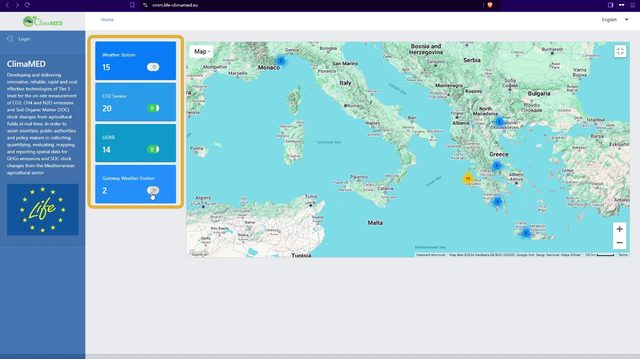
User Login and Main Page Overview
An introduction to the CMM platform's main screen and login process, covering the interactive device map, filtering options, and how to access and edit your profile settings.
Watch on Vimeo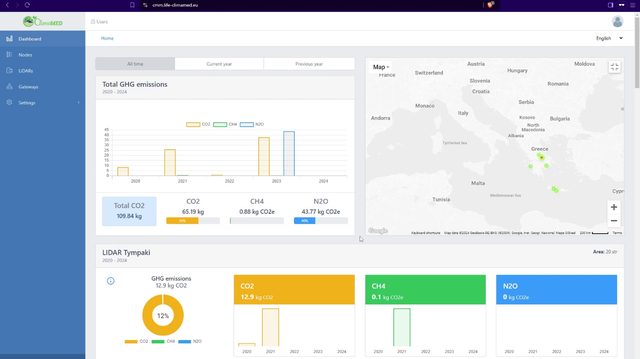
Platform Dashboard Overview
A walkthrough of the CMM dashboard, showing how to view GHG emissions data, filter by time period, and use the interactive charts and real-time emissions map.
Watch on Vimeo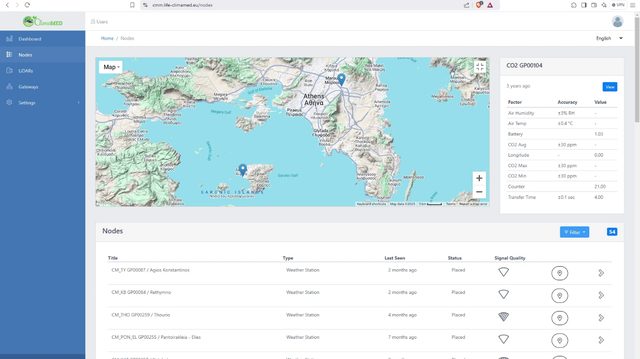
IoT Devices - Measurements & Monitoring
How to monitor IoT device measurements on the interactive map and device list, including how to view detailed historical data and zoom into the charts for deeper analysis.
Watch on Vimeo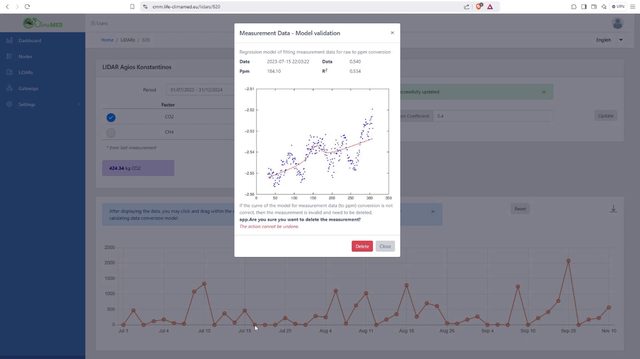
LiDAR Devices - Emissions Monitoring
How to monitor GHG emissions recorded by LiDAR devices, including the measurement panel and, for managers, the tools for validating and reviewing measurements.
Watch on Vimeo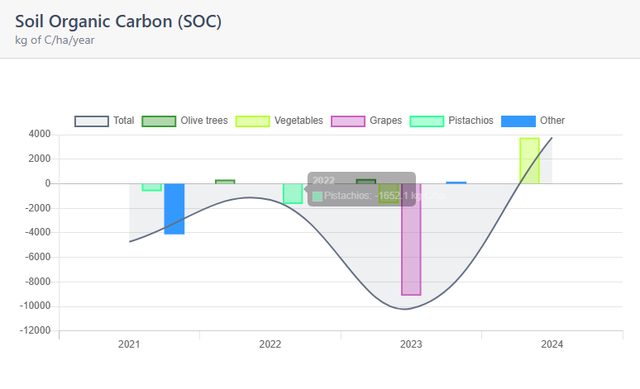
Soil Organic Carbon (SOC)
The SOC module lets users enter field-level agricultural data (harvested quantities, organic materials, residue management, fuel consumption and NDVI values) and automatically calculates the annual change in Soil Organic Carbon (SOC) per field, visualising trends over time. It already includes pilot field results and supports ongoing monitoring. Setting up land parcels first, covered in the Cultivation Areas Management tutorial, is required.
Learn more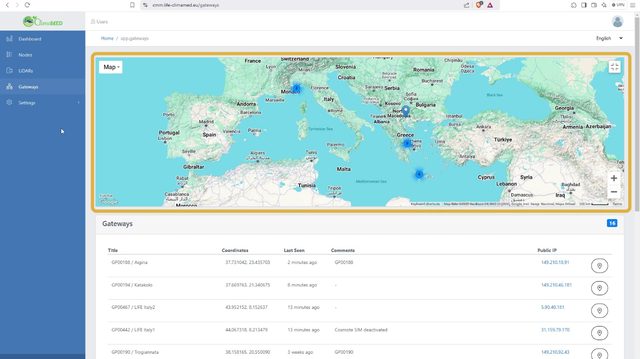
Gateway Devices Monitoring (Manager)
An overview of how managers can monitor gateway devices through the interactive map and device list, including connectivity and status information.
Watch on Vimeo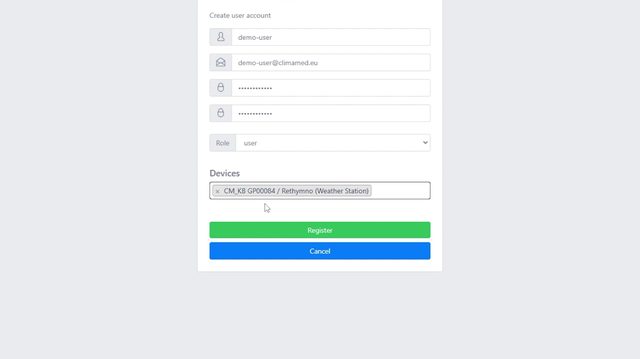
Settings - Users Management (Manager)
A step-by-step guide for managers on how to add, edit and delete platform users, including assigning roles and monitoring devices.
Watch on Vimeo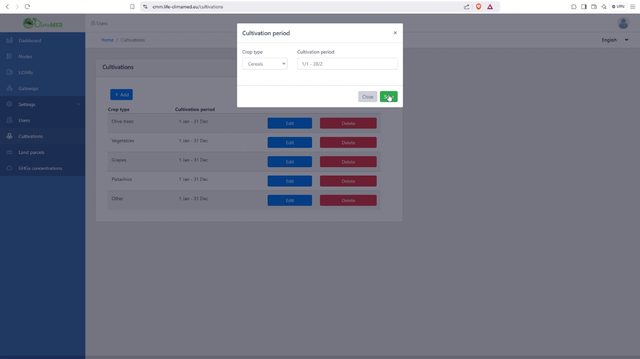
Settings - Cultivations Management (Manager)
How managers can define and manage cultivation periods for predefined crop types, including assigning, editing and removing cultivation periods.
Watch on Vimeo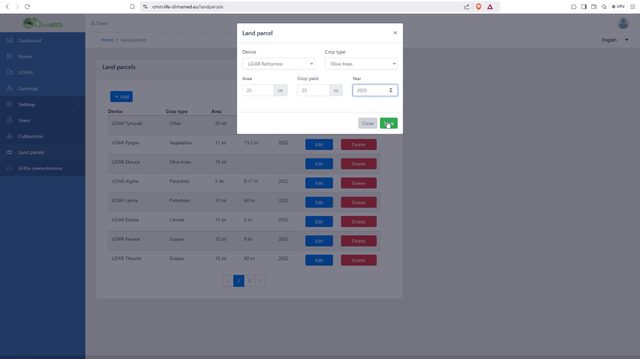
Settings - Cultivation Areas Management (Manager)
How managers can manage cultivation areas - the monitored agricultural fields - including adding, editing and deleting area, device, crop and yield data.
Watch on Vimeo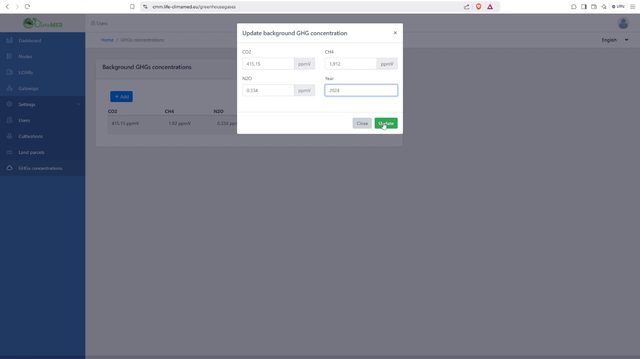
Settings - Background GHG Emissions Management (Manager)
How managers can create, edit and delete background GHG concentration values for CO2, CH4 and N2O, ensuring emissions data stays accurately categorized.
Watch on Vimeo